How to Turn Sales Calls into 30 Days of LinkedIn Content
Stop staring at blank screens. Your sales calls contain weeks of content hiding in plain sight. Here's the system for extracting posts from the conversations you're already having.

Shanjai Raj
Founder at Postking
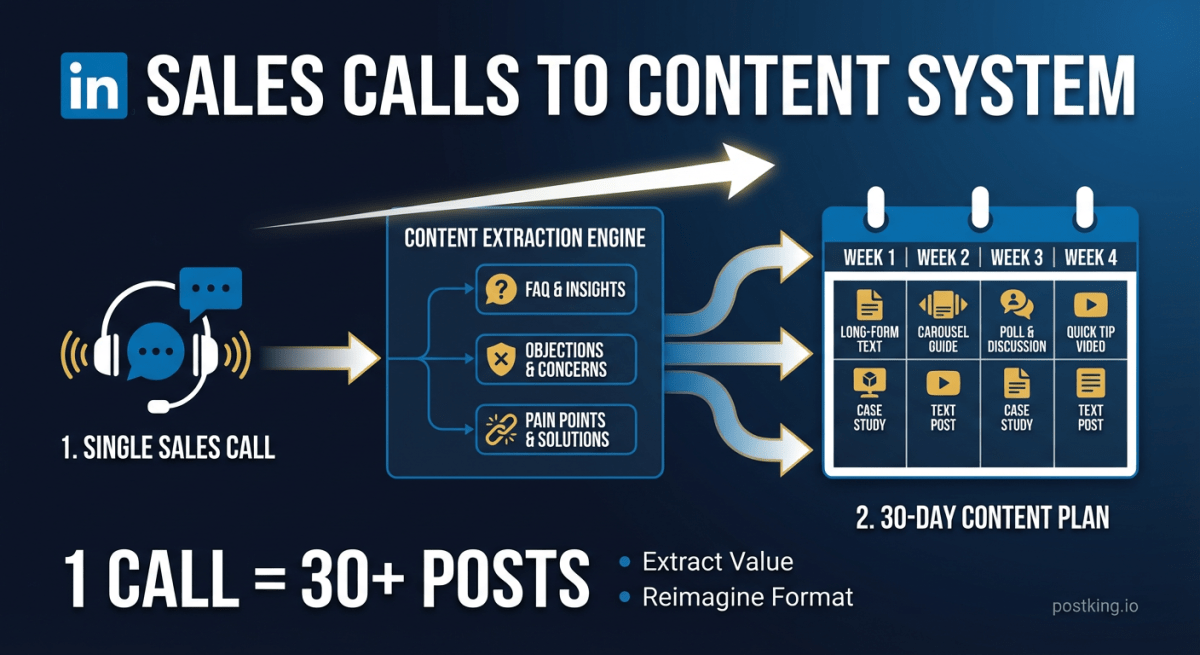
Your best LinkedIn content already exists. It's sitting in your call recordings, unprocessed.
Every discovery call is a live focus group. Prospects tell you exactly what confuses them about your market, what objections they have, and what they need to hear before buying. That's 30 days of content ideas from conversations you're already having.
Most founders treat sales and content as separate jobs. They grind through calls all day, then stare at a blank screen at night trying to think of something to post. The disconnect is almost absurd when you see it.
Here's the system that changes that.
Why Sales Calls Beat Every Other Content Source
The questions prospects ask you are the exact questions your LinkedIn audience has. Not similar. Identical.
When someone asks "How is this different from [competitor]?" on a call, that same question exists in the minds of hundreds of people who will never book time with you. When they push back on pricing, that objection lives across your entire market.
Three things make sales calls uniquely valuable for content:
The questions are validated. You're not guessing what your audience wants to know. Someone literally asked.
Your answers are battle-tested. If a response convinced the prospect (or didn't), you have immediate feedback on what resonates.
The language is real. Prospects don't use marketing jargon. They describe problems the way normal people talk. That's exactly how your content should sound.
One founder I talked to mapped his entire content calendar to sales objections. His most-shared post came from a prospect who said "This seems expensive for what it does." He wrote about why the cheap option in his category costs companies 10x more long-term. That post brought three inbound leads within a week.
Recording and Reviewing: The Foundation
You can't rely on memory. By the end of a packed day, you've forgotten which call had the gold.
What to Use
For video calls: Fathom, Grain, or Otter.ai plug directly into Zoom and create searchable transcripts within minutes. Fathom has a generous free tier. I've watched founders waste hours trying to remember details that a simple recording would have captured.
For phone calls: Rev Call Recorder or Otter work on mobile. Check consent laws in your state, but most B2B calls where you're the seller are fine with a simple "mind if I record for notes?"
The low-tech option: Keep a Google Doc open during calls. After each one, spend 60 seconds writing down any question, objection, or moment where the prospect seemed surprised. This takes discipline but costs nothing.
The 2-Minute Post-Call Routine
Do this immediately after hanging up, before your next meeting:
- Skim the transcript (or your notes) for questions they asked
- Flag any pushback or objections
- Note moments where something clicked for them
- Tag it with a category: FAQ, Objection, Insight, or Proof Point
I use a spreadsheet with columns for Date, Prospect Type, Raw Idea, Category, and Draft Hook. That last column is just one sentence summarizing the potential post.
After a week of calls, you'll have 10-15 logged ideas. Even if half are unusable, that's more than enough for a month of content.
The Five Content Types Hidden in Every Call
A single 30-minute discovery call typically contains three to five distinct content ideas. You just need to know what to listen for.
1. Questions They Actually Ask
The most obvious source. When a prospect asks "How long does implementation take?" or "Do you integrate with our CRM?" — that's a post.
Capture: The exact question plus your answer and why they were asking.
Post format: "One of the questions I get most often: [question]. Here's the honest answer..."
2. Objections They Raise
Pushback reveals what's blocking purchase decisions across your entire market.
Common objections that become great posts:
- "We tried something like this before and it didn't work"
- "My team won't actually use this"
- "This is a nice-to-have, not a must-have"
- "We need to wait until next quarter"
Capture: The objection word-for-word, plus what you said that addressed it (or failed to).
Post format: "I hear this objection constantly: [objection]. Here's what's actually going on..."
3. Aha Moments
That moment when something clicks. Their tone shifts. They lean forward. They say "Oh, I didn't realize that" or "Wait, so you mean..."
These reveal where your value proposition isn't obvious. If a prospect needs the aha moment, your audience does too.
Capture: What you said that triggered the realization, plus what they believed before.
Post format: "Most people think [common belief]. Here's what actually happens..."
4. Misconceptions About Your Space
Prospects arrive with assumptions about how products like yours work, what they cost, who they're for. These shape expectations before you've said a word.
Capture: What they assumed, where it came from, and what's actually true.
Post format: "If you think [category] is [misconception], you're not alone. But here's what's changed..."
5. Success Criteria They Mention
When prospects describe what success looks like, or ask what evidence you have, they're telling you what to emphasize in your content.
Capture: What metrics they care about. What proof would convince them.
Post format: "When evaluating [your category], here's what actually matters (and what doesn't)..."
The "Prospect Asked Me" Post Template
This format works because it has built-in credibility. You're not just sharing an opinion. You're sharing a real conversation.

Hook: Reference the conversation
→ "A prospect asked me last week: [question]"
→ "Someone on a demo yesterday said: [objection]"
→ "This came up three times this month..."

Context: Why this matters
→ Brief explanation of why this question exists
→ What most people assume vs. reality

Your Answer: The insight
→ Your actual response from the call
→ Include specifics, numbers, examples

Takeaway: The broader lesson
→ What this reveals about the market
→ What readers should do with this

Example: From Raw Material to Published Post
From the call: Prospect asked "How do I know my team will actually use this? We've bought tools before that collected dust."
The post:
A prospect asked me yesterday: "How do I know my team will actually use this?"
Behind that question was a graveyard of abandoned software. Dashboards nobody opened. Integrations never configured. Annual subscriptions that auto-renewed into oblivion.
Here's what I told her:
Tools that get adopted share three things:
- They solve a problem the team already complains about daily
- They're simpler than the current workaround (yes, even spreadsheets)
- Someone on the team champions it — not just management
Tools that collect dust? Usually bought top-down to solve a problem leadership perceived, not one the team felt.
Before buying any tool, ask your team: "What's the most annoying part of your workflow?" If the tool doesn't address that specific answer, it's going to sit unused.
That single question became a post any B2B buyer can relate to. It positions the founder as thoughtful about adoption, not just features. And it provides genuine value to anyone evaluating software.
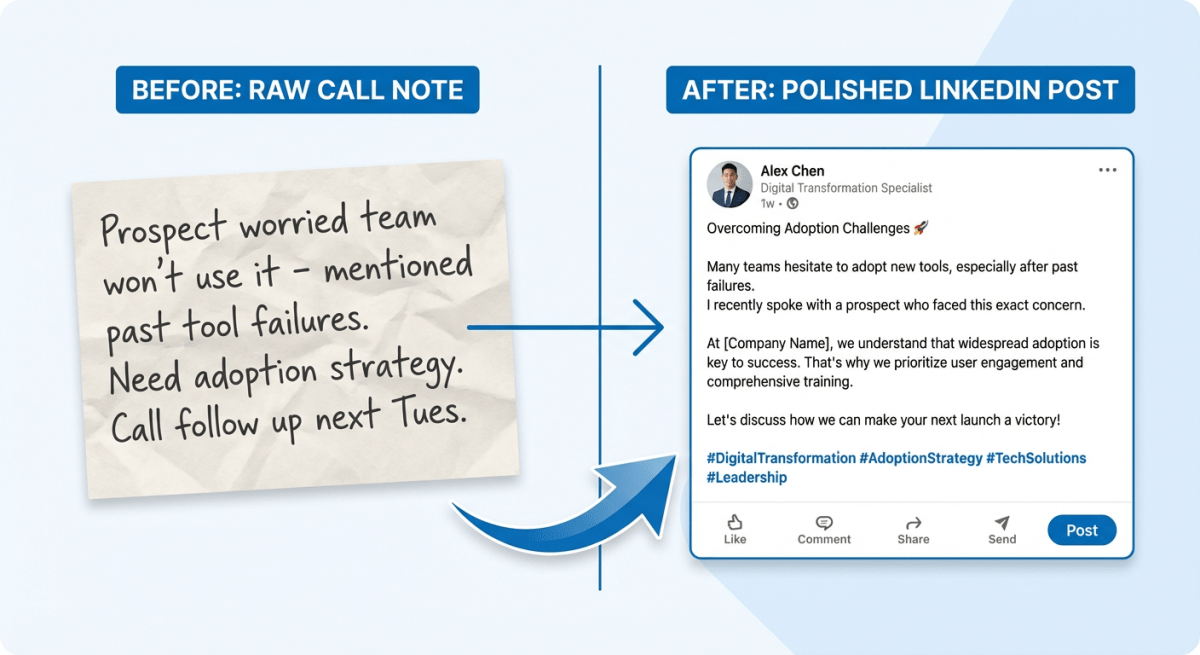 Call Note to LinkedIn Post Transformation
Turning Objections Into Educational Posts
Objections are content gold because they reveal the real barriers in your market. Every objection you hear on calls exists in the minds of people who will never talk to you.
Here's how to flip common objections into posts:
"We don't have budget for this right now"
Post angle: The hidden cost of waiting. Calculate what the problem costs per month. Show how delay compounds the pain.
"We've tried this category before and it didn't work"
Post angle: Why [category] fails — and what's different now. Acknowledge the valid skepticism. Explain what's changed in the market or your approach.
"My team is too busy to implement something new"
Post angle: The 'too busy' trap. When teams are too busy to implement solutions, they stay too busy forever. Break down the math of short-term pain vs. long-term gain.
"Can't you just send me a one-pager?"
Post angle: What buyers actually need to see. Turn your best one-pager points into a post about how to evaluate solutions in your space.
The pattern: take the objection, validate it, then reframe it with information that shifts perspective. You're not arguing. You're educating.
Building Your 30-Day Calendar
Here's the workflow from calls to content calendar:
Week 1: Collect
Take calls as normal. Run your 2-minute post-call capture after each one. Don't write posts yet — just collect raw material.
Target: 12-15 raw content ideas logged
Week 2: Categorize and Select
Review your logged ideas. Group them by type (FAQ, Objection, Insight, Proof Point). Look for:
- Questions you heard multiple times
- Objections that were hard to address
- Moments that genuinely surprised prospects
Target: 8-10 strong candidates identified
Weeks 3-4: Produce
Turn your best candidates into posts. Use the "Prospect Asked Me" template or adapt based on content type.
Batch your writing. Draft 4-6 posts in one sitting, let them sit overnight, edit the next morning. This is far more efficient than writing one at a time.
Format them properly using our free LinkedIn post formatter. Spacing and structure matter more than people realize.
Target: 8 polished posts ready to schedule (2 per week)
The Ongoing System
Once you've done this cycle, it becomes maintenance:
- Log 3-5 new ideas from calls each week
- Write 2 posts from your backlog
- Publish Tuesday and Thursday
- Your backlog grows faster than you publish — that's good, pick the best
Tools and Workflow Summary
Recording: Fathom (free tier), Grain, or Otter.ai for video calls. Rev or Otter for phone calls.
Capture: Google Sheets or Notion with columns for Date, Source, Raw Idea, Category, Draft Hook.
Writing: Batch in 45-minute sessions. One sitting for drafts, another for edits.
Formatting: Postking's LinkedIn formatter handles spacing and structure.
Visual content: Turn your best frameworks into carousels for 3x more engagement than text posts.
Publishing: Tuesday and Thursday mornings tend to work well. Schedule in advance.
Time Investment Per Week
- Post-call logging: 2-3 minutes per call
- Weekly review and categorization: 15 minutes
- Writing two posts: 30-45 minutes
- Total: About 90 minutes for consistent LinkedIn presence
Compare that to staring at a blank screen. This system produces better content in less time because you're working with real material, not inventing from scratch.
What If This Feels Like Too Much?
Start smaller.
Tomorrow, open a Google Doc before your first call. After each call, spend 60 seconds noting anything interesting — any question, any pushback, any surprise.
End of week, review what you wrote. Pick the two best ideas.
Weekend, turn those into drafts using the template above.
Tuesday and Thursday, post them.
That's it. No fancy tools required. No elaborate system. Capture, select, write, post.
The questions your prospects ask are the posts your audience wants. You're already having the conversations. Now capture them.
Want to level up your LinkedIn presence? Our complete guide for founders covers profile optimization, content pillars, and realistic weekly routines. For content strategy frameworks, see our LinkedIn content strategy guide. And when you're ready to post, our free formatter makes your content look professional.
Related Reads
Written by
Shanjai Raj
Founder at Postking
Building tools to help professionals grow on LinkedIn. Passionate about content strategy and personal branding.
View all postsYou might also like
LinkedIn Hook Generator
Try our free linkedin hook generator to enhance your LinkedIn presence.
LinkedIn Post Ideas Generator
Try our free linkedin post ideas generator to enhance your LinkedIn presence.
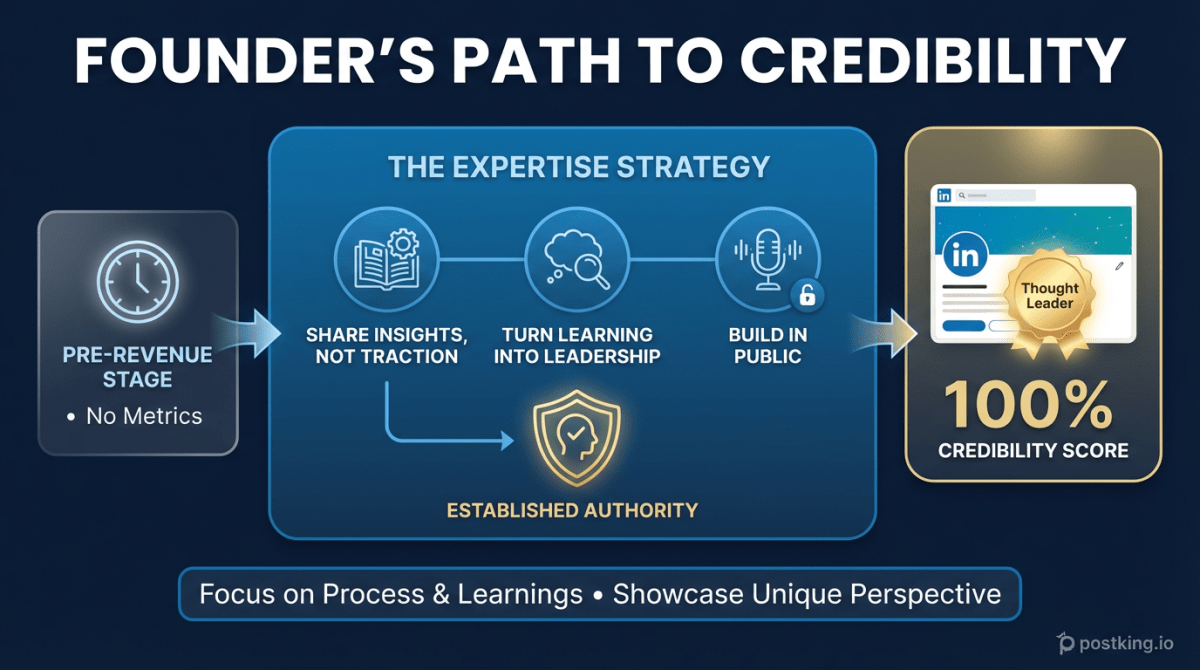
The Pre-Revenue Founder's LinkedIn Playbook: Building Credibility When You Have No Metrics
Learn how to build LinkedIn authority as a pre-revenue founder. Discover content strategies that establish credibility through expertise, not traction, and turn 'still figuring it out' into thought leadership.
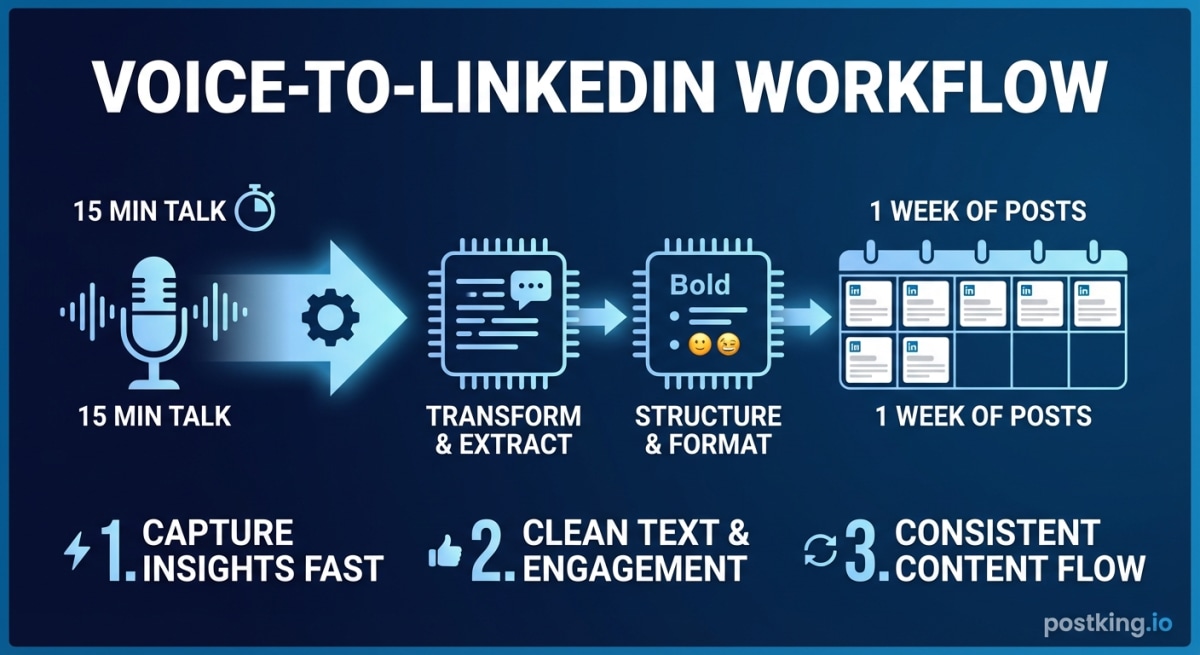
Voice-to-LinkedIn: Turn 15 Minutes of Talking into a Week of Posts
Stop staring at blank screens. Learn the voice-first workflow that lets busy founders capture insights on the go and transform raw recordings into engaging LinkedIn posts.
LinkedIn Carousel Generator
Try our free linkedin carousel generator to enhance your LinkedIn presence.
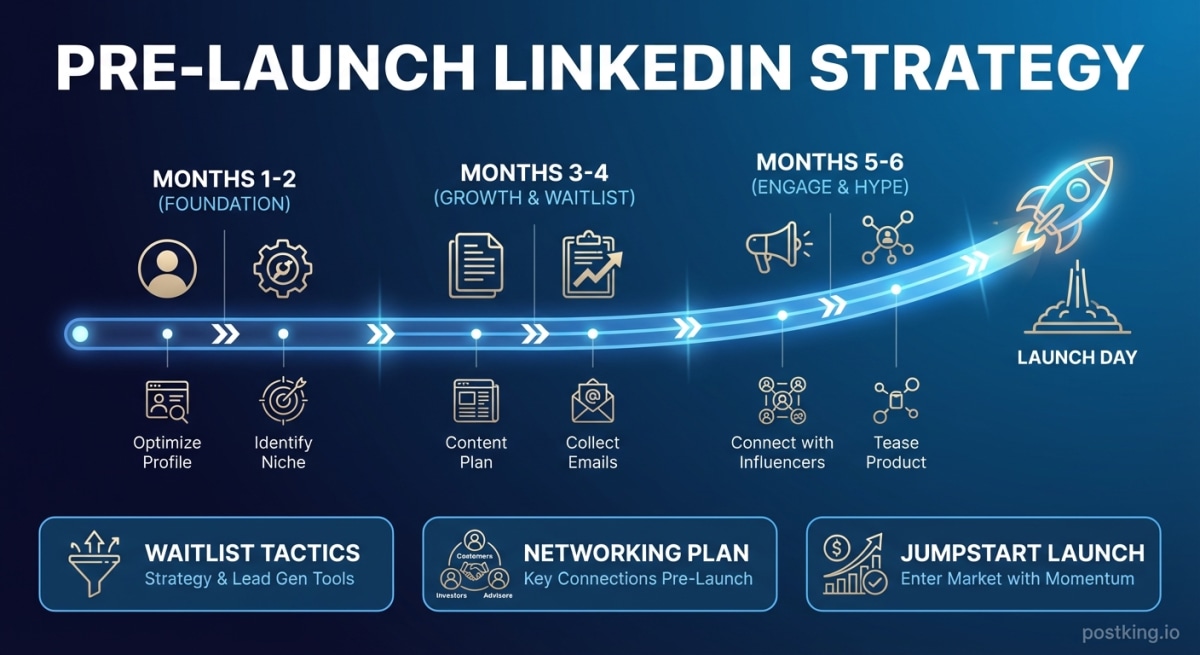
Building Your LinkedIn Presence Before Launching Your Startup
Learn how to build a LinkedIn audience before your startup launches. Includes a 6-month content timeline, waitlist growth tactics, and strategies for networking with customers, investors, and advisors pre-launch.
LinkedIn Content Ideas for Startup Founders: 50+ Topics That Build Authority (2026)
Content ideas that position you as a thought leader without taking hours daily. 50+ topics, templates, and frameworks for time-poor founders.
more engagement with carousels
Create scroll-stopping LinkedIn carousels in under 60 seconds. No design skills needed.
Try Carousel Generator